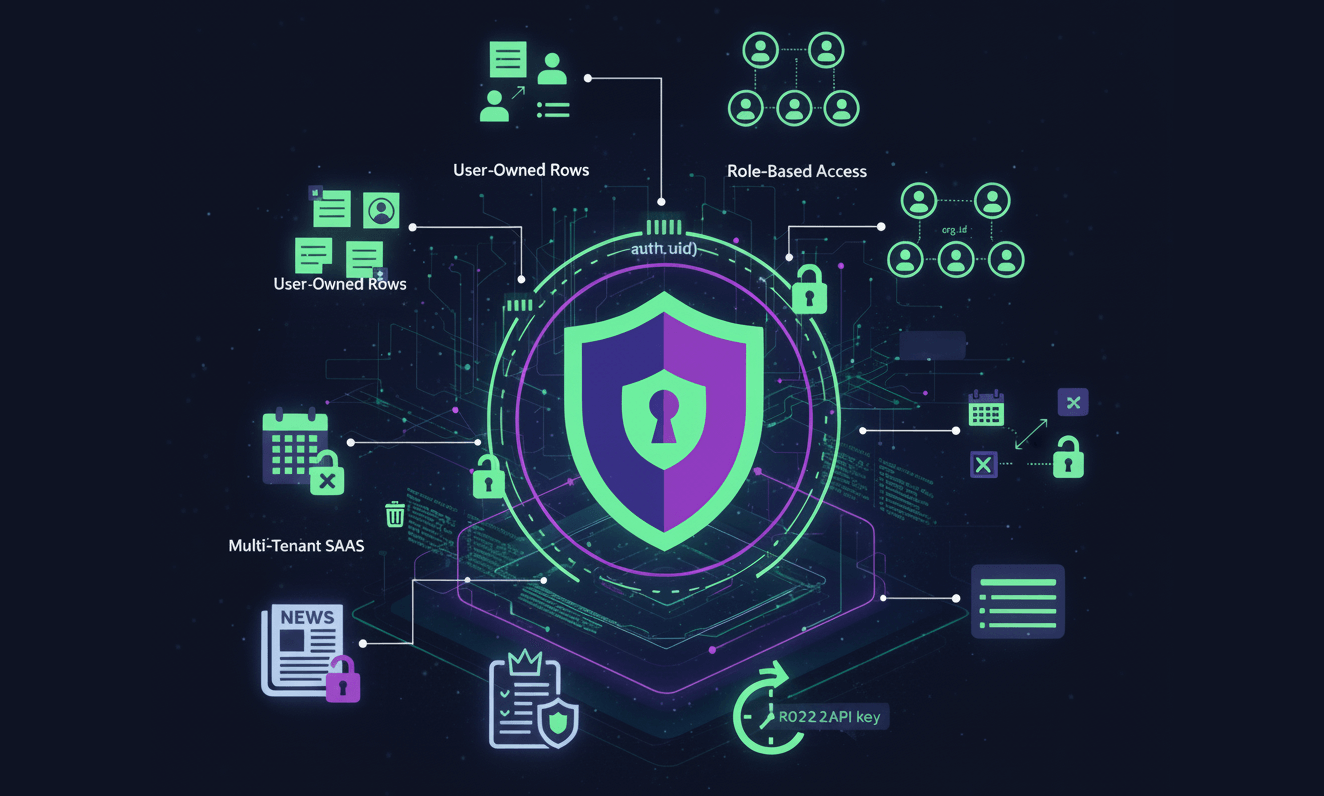
Supabase Row-Level Security (RLS) uses policies to control access to data at the row level, ensuring users can only see and modify rows they are authorized to access. Common examples include policies that restrict users to their own data, such as allowing authenticated users to view, insert, update, and delete their own "todos" or "profiles" based on a user_id column, using the auth.uid() function. Other examples include policies for sharing documents with users listed in a join table or date-based access for embargoed content.
Row Level Security (RLS) is the core of Supabase security. If you get this right, your data is safe. If you get it wrong, the entire database becomes public behind your anon key.
Below are 10 real-world patterns you can use today, each with clear SQL policies and explanations.
1. User-Owned Rows
The classic: each row belongs to a single user. Perfect for profiles, todos, private projects, notes, etc.
Table example
ALTER TABLE notes ADD COLUMN user_id uuid NOT NULL DEFAULT auth.uid();Enable RLS
ALTER TABLE notes ENABLE ROW LEVEL SECURITY;Policies
Allow users to read their own rows:
CREATE POLICY "Users can read their own notes"
ON notes FOR SELECT
USING (user_id = auth.uid());
Allow users to insert rows for themselves:
CREATE POLICY "Users can insert their own notes"
ON notes FOR INSERT
WITH CHECK (user_id = auth.uid());
Allow users to update/delete their own rows:
CREATE POLICY "Users can modify their own notes"
ON notes FOR UPDATE, DELETE
USING (user_id = auth.uid());
2. Multi-Tenant SaaS by org_id
Used for team-based apps: multiple users in one organization.
Schema example
You usually have a membership table:
-- org membership
CREATE TABLE org_members (
  org_id    uuid NOT NULL,
  user_id   uuid NOT NULL,
  role      text NOT NULL CHECK (role IN ('owner','admin','member'))
);
Policy for tenant isolation
CREATE POLICY "Tenant isolation: users only see rows in their org"
ON projects FOR SELECT
USING (
  org_id IN (
    SELECT org_id FROM org_members WHERE user_id = auth.uid()
  )
);
For inserts (must insert into your own org):
CREATE POLICY "Tenant insert constraint"
ON projects FOR INSERT
WITH CHECK (
  org_id IN (
    SELECT org_id FROM org_members WHERE user_id = auth.uid()
  )
);
3. Role-Based Access (admin, editor, viewer)
Common in dashboards, CMS systems, back-office tools.
Setup custom JWT claims
Include app_role (or similar custom claim) in your JWT. Access it via auth.jwt():
{
  "sub": "user_id",
  "app_role": "admin"
}
Note: The auth.role() function is deprecated. For checking authenticated vs anon, use the TO clause. For custom roles, use auth.jwt() ->> 'app_role'.
Read access (everyone logged in)
CREATE POLICY "Anyone logged in can read"
ON articles FOR SELECT
TO authenticated
USING ( (auth.jwt() ->> 'app_role') IN ('admin', 'editor', 'viewer') );
Editing access
CREATE POLICY "Only admins and editors can update"
ON articles FOR UPDATE
TO authenticated
USING ( (auth.jwt() ->> 'app_role') IN ('admin', 'editor') );
Admin-only deletes
CREATE POLICY "Only admins can delete"
ON articles FOR DELETE
TO authenticated
USING ( (auth.jwt() ->> 'app_role') = 'admin' );
4. Soft Deletes
Instead of DELETE, mark rows as deleted but keep them for auditing.
Schema
ALTER TABLE posts ADD COLUMN deleted_at timestamptz;Policy: hide soft-deleted rows from normal users
CREATE POLICY "Users must not see deleted rows"
ON posts FOR SELECT
USING (
  deleted_at IS NULL
);
Admins can see everything
CREATE POLICY "Admins can see deleted rows"
ON posts FOR SELECT
TO authenticated
USING (
  (auth.jwt() ->> 'app_role') = 'admin'
);
You can combine these using OR if you prefer a single policy.
5. Read-Only Public Views
Great for public blog posts, SEO content, feeds, announcements, etc.
Users can only read; no inserts/updates at all.
Schema example
CREATE VIEW public_posts AS
SELECT id, title, slug, published_at
FROM posts
WHERE published = true;
Policy: allow anyone (even anon users) to read
CREATE POLICY "Public can read published posts"
ON public_posts FOR SELECT
USING (true);
No write policies needed
Because the underlying table (posts) has no INSERT/UPDATE/DELETE policies, anonymous users cannot modify anything.
6. Invite-Based Access (shared documents)
Users can access a row only if they appear in a join table.
Schema
CREATE TABLE doc_access (
  doc_id uuid,
  user_id uuid
);
Policy
CREATE POLICY "Users with share access can read"
ON documents FOR SELECT
USING (
  id IN (SELECT doc_id FROM doc_access WHERE user_id = auth.uid())
);
7. Owner + Admin Hybrid Access
Owner can always access the row; admins can too.
Policy
CREATE POLICY "Admins or owner can read/update"
ON invoices FOR SELECT, UPDATE
TO authenticated
USING (
  owner_id = auth.uid()
  OR (auth.jwt() ->> 'app_role') = 'admin'
);
8. Date-Based Access (e.g., embargoed content)
Good for newsrooms, analytics dashboards, timed releases.
Policy
CREATE POLICY "Allow access only after publish date"
ON reports FOR SELECT
USING (now() >= publish_at);
9. API-Key Gated Access (custom policies)
You can store hashed API keys and allow access only when a valid key is supplied.
Schema
ALTER TABLE api_keys ADD COLUMN hashed_key text NOT NULL;Policy
CREATE POLICY "Access via API key"
ON analytics FOR SELECT
USING (
  current_setting('request.jwt.claims', true)::jsonb->>'api_key'
  IN (SELECT hashed_key FROM api_keys)
);
10. "No Cross-Project Leakage" (per-project RLS)
Perfect for logging systems, analytics, or error trackers.
Policy
CREATE POLICY "Users only see events for their project"
ON events FOR SELECT
USING (
  project_id IN (
    SELECT project_id FROM user_projects WHERE user_id = auth.uid()
  )
);
Takeaways
- Always pair RLS with auth.uid(), auth.jwt(), the TO clause, and membership tables.
- Use
TO authenticated, anoninstead of the deprecatedauth.role()for role-based targeting. - For custom roles, use JWT claims:
(auth.jwt() ->> 'app_role'). - Never rely solely on frontend filtering.
- Add policies gradually: start with SELECT, then INSERT, UPDATE, DELETE.
- Test using the Supabase SQL editor: "Run as role → anon/authenticated".